2.1 Starting FEBio Studio
This chapter gives a brief tour of FEBio Studio. The reader will be introduced to the graphical user interface (GUI) and some of the different components of FEBio Studio.
When FEBio Studio starts, the Welcome Page is shown.
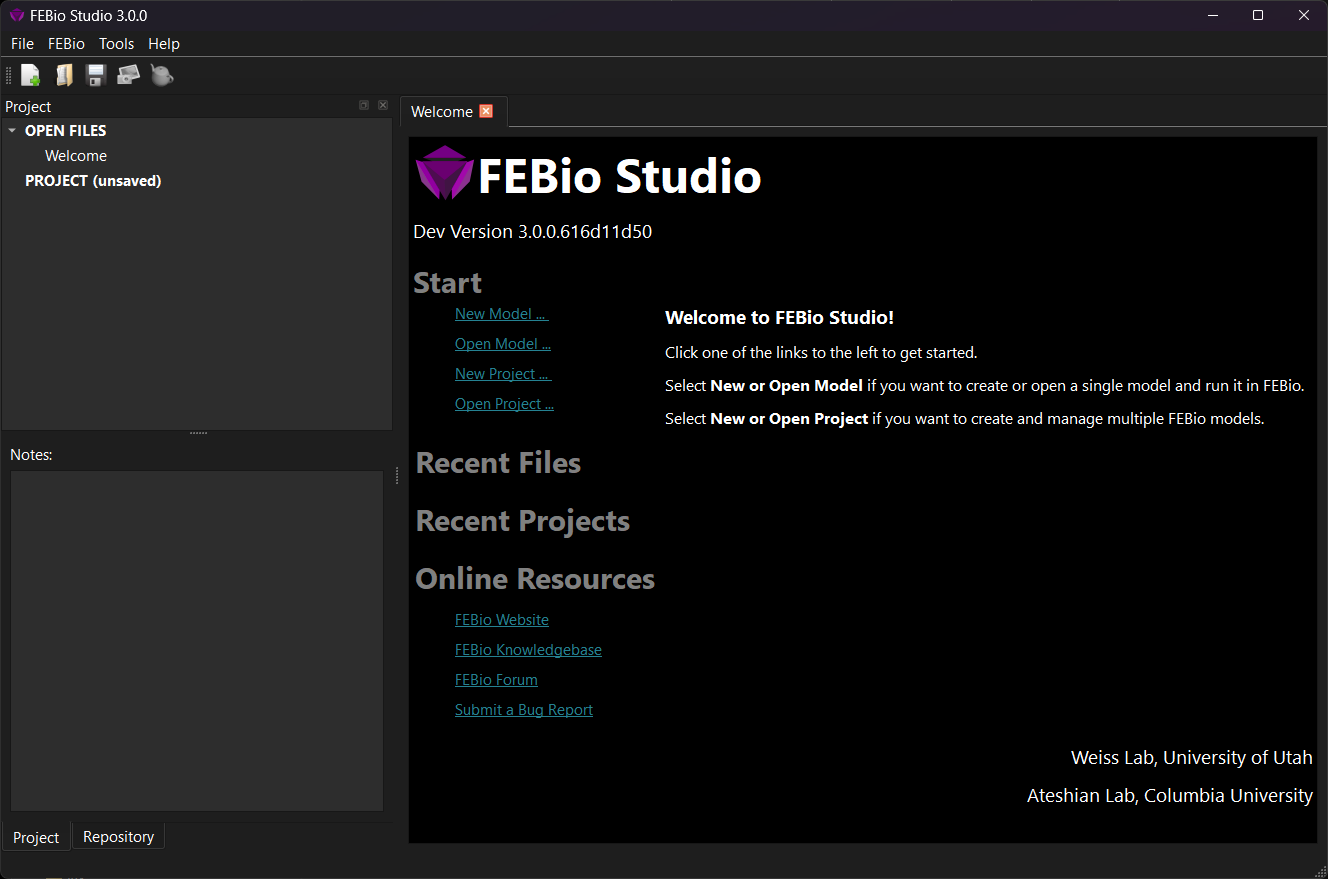
Figure 1. The Welcome Page when FEBio Studio opens for the first time.
The Welcome Page displays some quick access links that allow you to get started quickly. It is divided in the following sections.
-
Start: Shows links to several File menu items, including opening files or creating new models. Clicking a link here will access the corresponding menu item.
-
Recent: This will show a list of recently created models and projects. Clicking a link here will open the corresponding model or project file.
-
Online Resources: Some links to online FEBio resources, such as the FEBio Knowledgebase, where you can find tutorials on FEBio Studio. Clicking a link here will open the corresponding page in a web browser.