6.2 FEBio Mesh Data Generators
As described above, FEBio offers an alternative way for generating mesh data maps, namely using mesh data generators. These are procedural (i.e. algorithmic) approaches for generating mesh data. A mesh data generator is added by right-clicking the Mesh Data item in the model tree, and selecting Add mesh data generator from the popup menu.
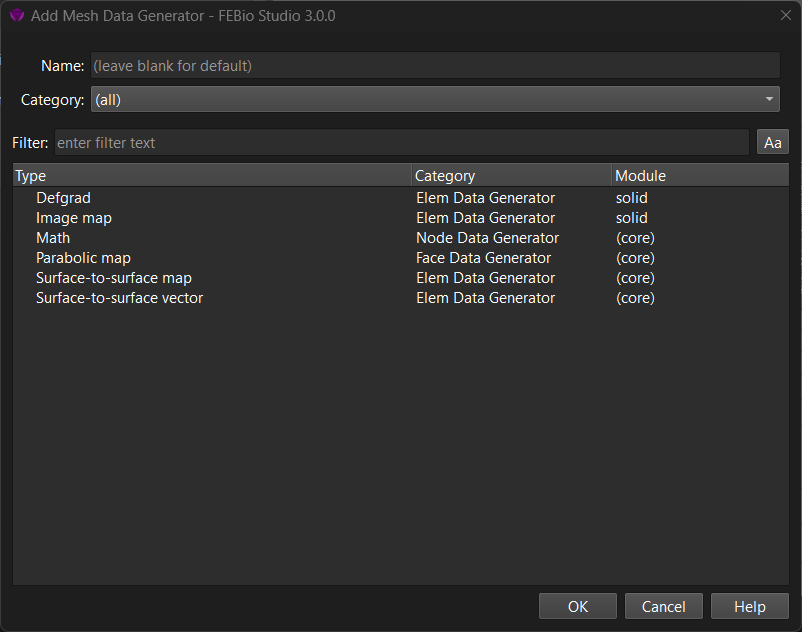
Figure 1. The Add Mesh Data Generator dialog box allows users to add an FEBio mesh data generator item to the model.
The dialog presents a list of the available mesh data generators. Note that the category column shows the type of mesh items the data generator can be assigned to. This is important as the type defines how the map can be used in the model. Consult the FEBio manual for more details on the specific options and how to use them in a model.